Creating a Self-Hosted Full-Stack Web System with Remote Database Management
For this project I wanted to challenge myself by building an entire full-stack web application instead of just a frontend website. Rather than relying on cloud services, I hosted everything myself using a Raspberry Pi running Linux and MariaDB. The project allows users to create accounts, upload media, organise it into password-protected folders ("Bubblies"), and securely retrieve their files through a web interface.
Overview
This project is a self-hosted full-stack web application built using HTML, CSS, JavaScript, Python (Flask), and MariaDB running on a Raspberry Pi. Users can create accounts, log in, create password-protected media collections called Bubblies, and upload images or videos that are linked to their own account. Instead of using a cloud provider, I configured my own Raspberry Pi as the backend server, handling database requests, authentication and file management across my local network. The goal of this project was to understand how frontend websites communicate with backend servers, databases and storage systems while gaining hands-on experience with self-hosting.
Skills Demonstrated
- Full-stack web development
- Frontend development (HTML, CSS & JavaScript)
- Backend development with Python Flask
- REST API development
- MariaDB database management
- User authentication
- Password hashing
- CRUD operations
- File upload handling
- Network file sharing
- Linux server administration
- Raspberry Pi deployment
Tools Used
- HTML5
- CSS3
- JavaScript
- Python
- Flask
- MariaDB
- Raspberry Pi
- Linux
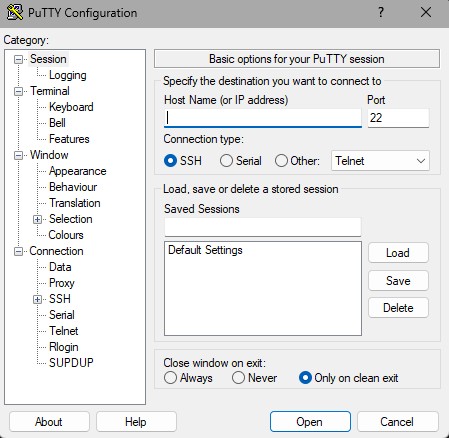
- PuTTY (SSH)
- VS Code
Process
User Authentication
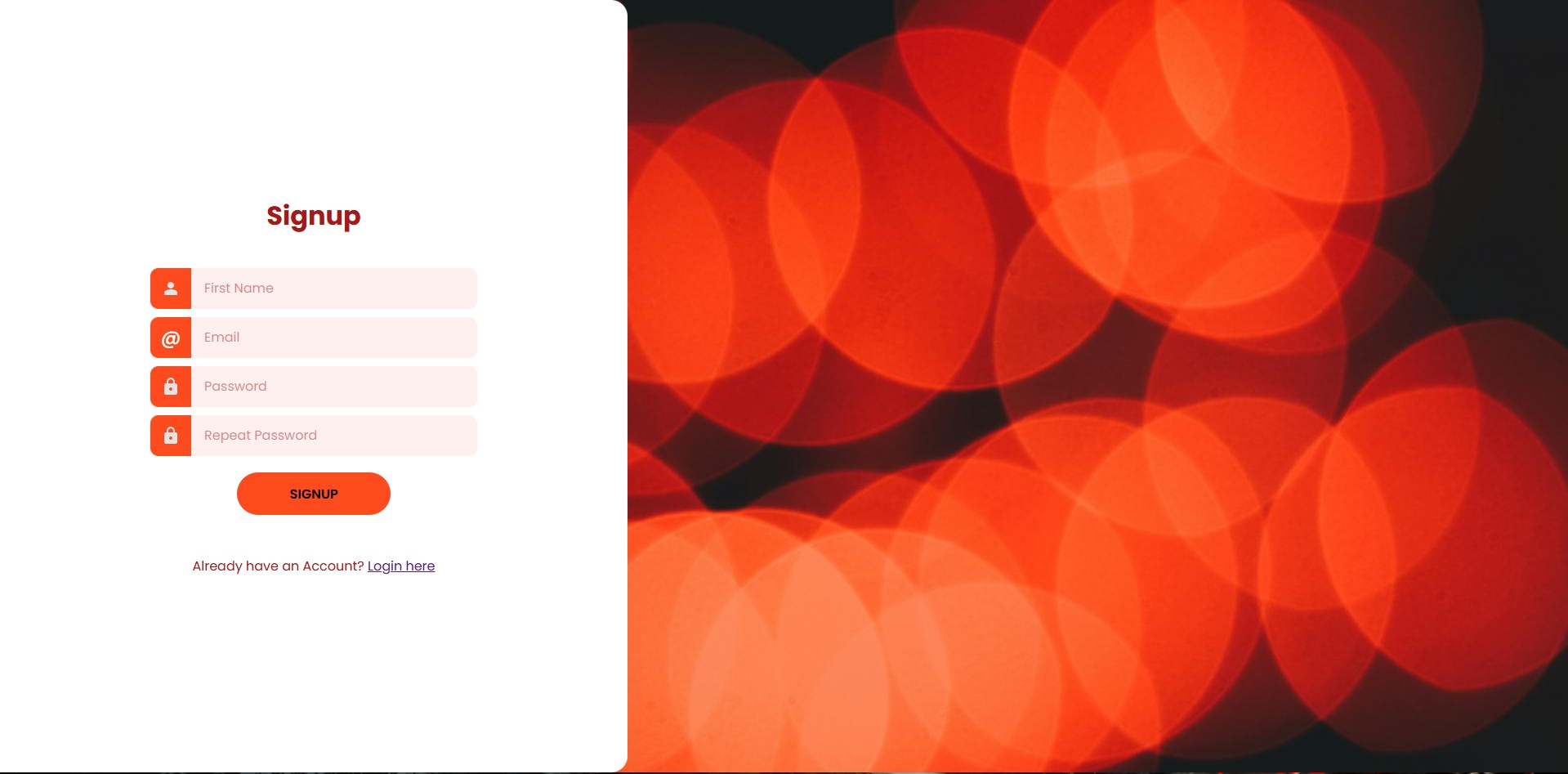
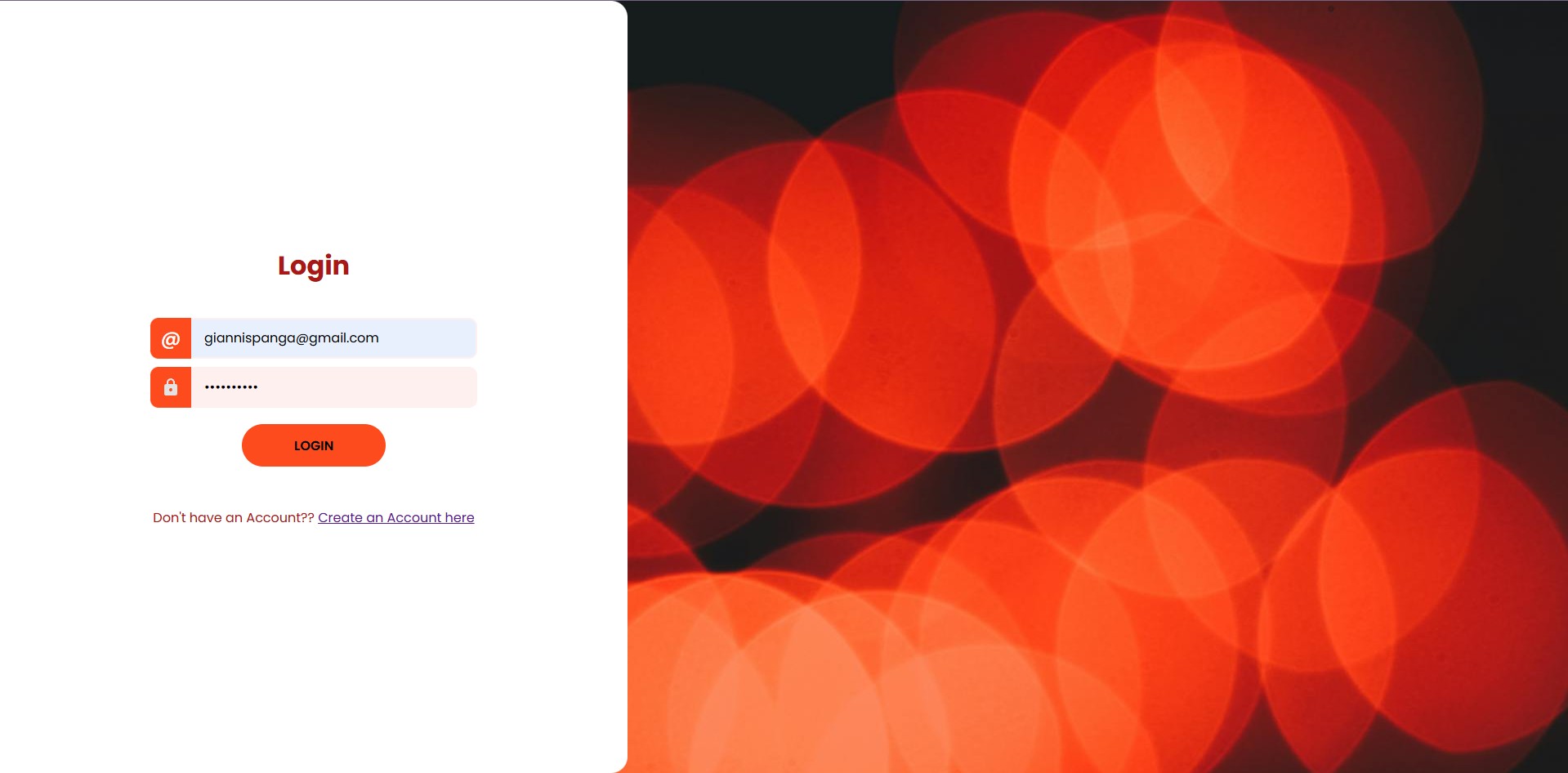
When visiting the website for the first time, users create an account through the signup page. Their details are securely stored inside a MariaDB database hosted on my Raspberry Pi. Returning users can log in using those credentials, with the website validating them before granting access.
Creating Bubblies
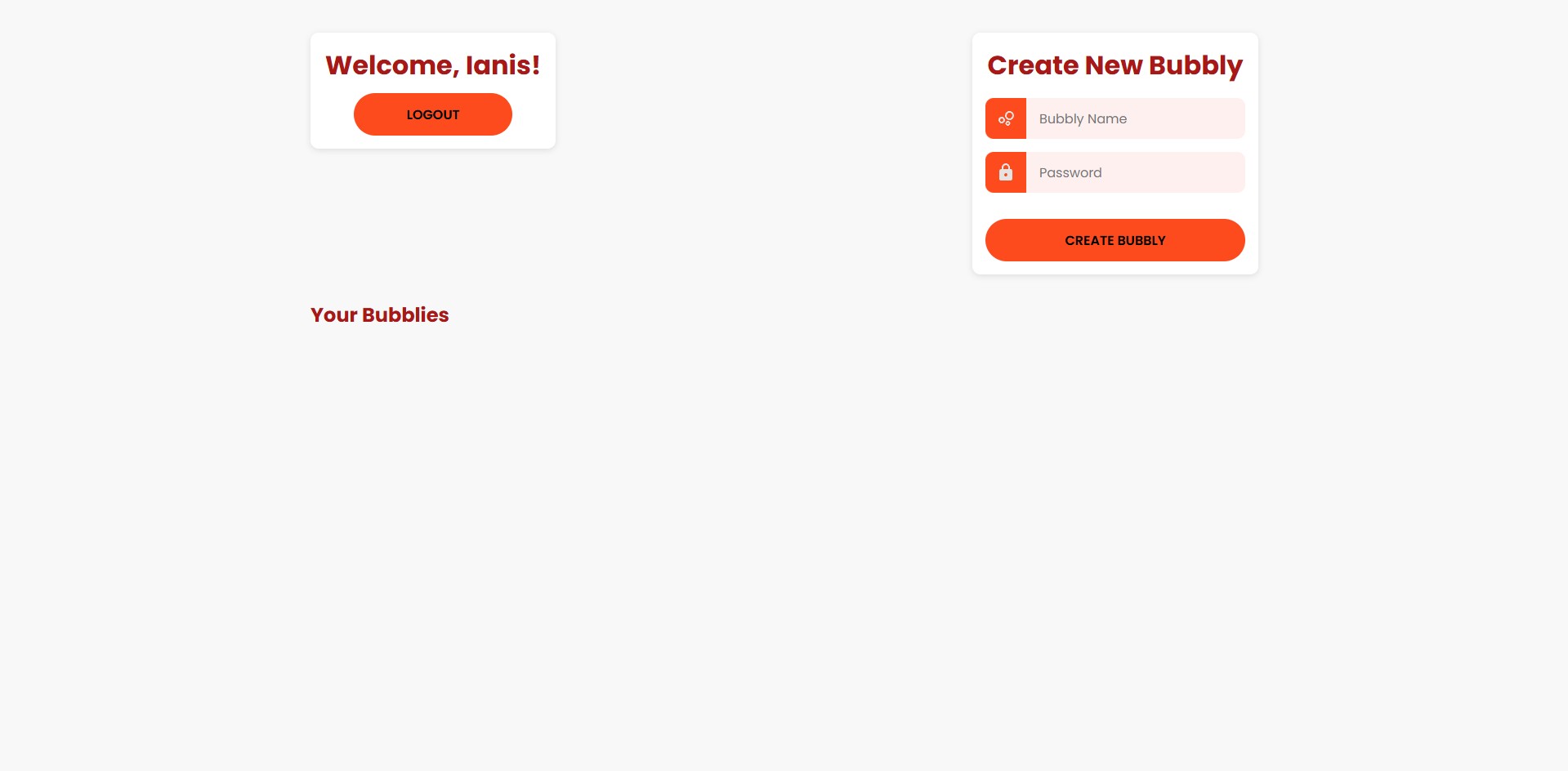
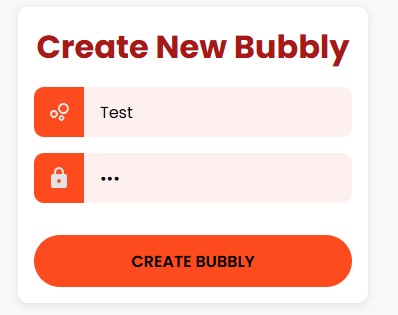
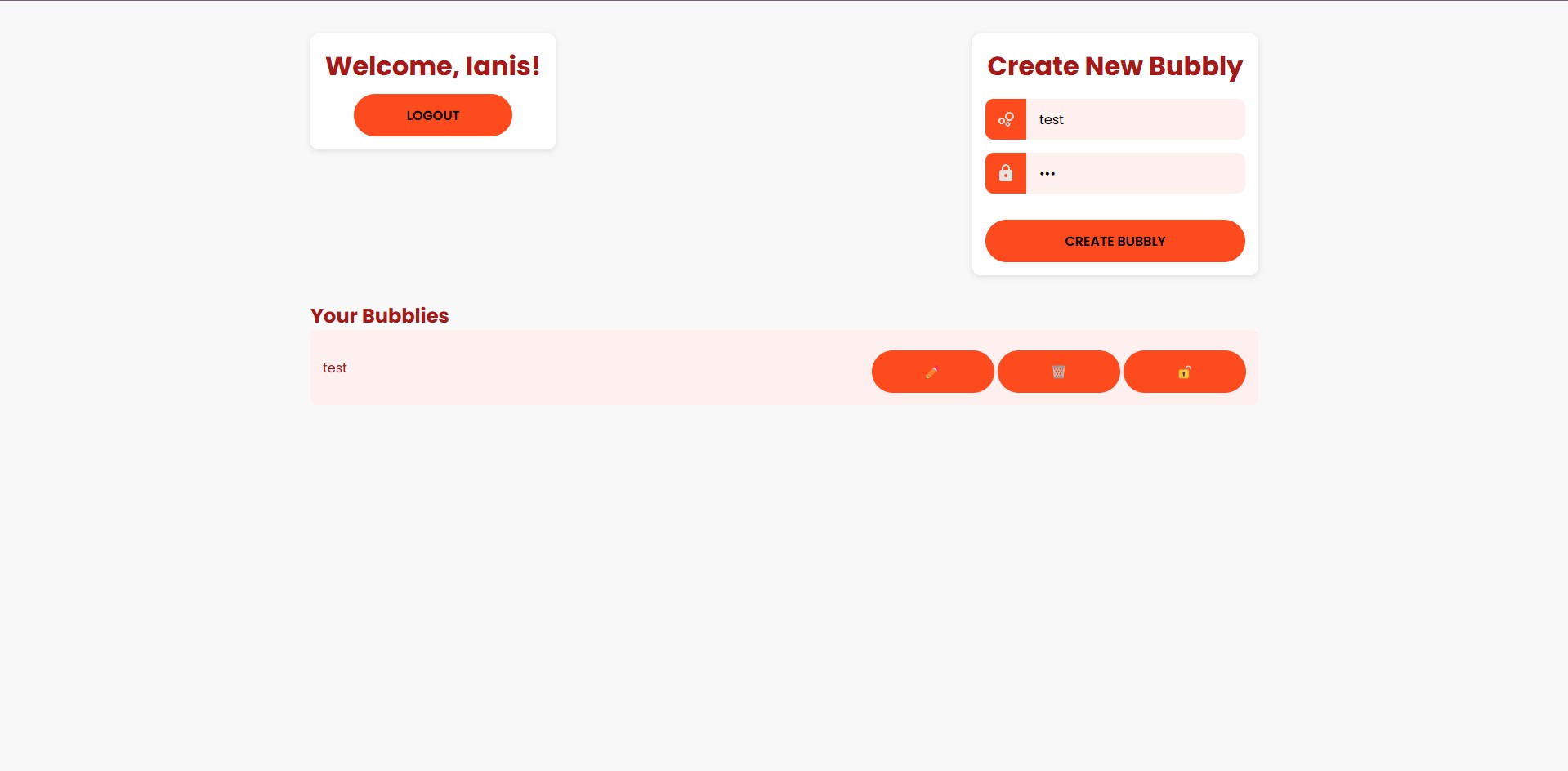
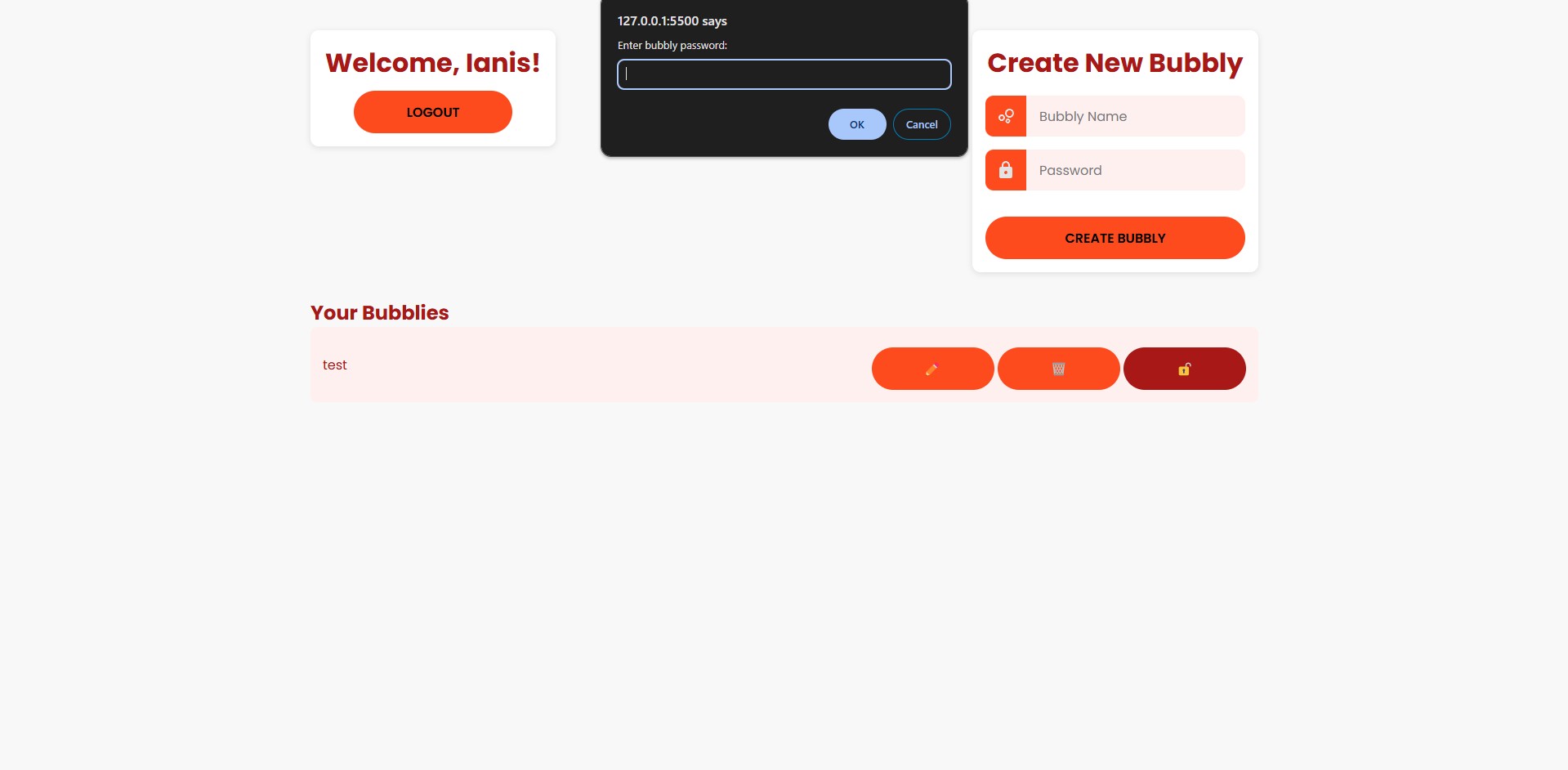
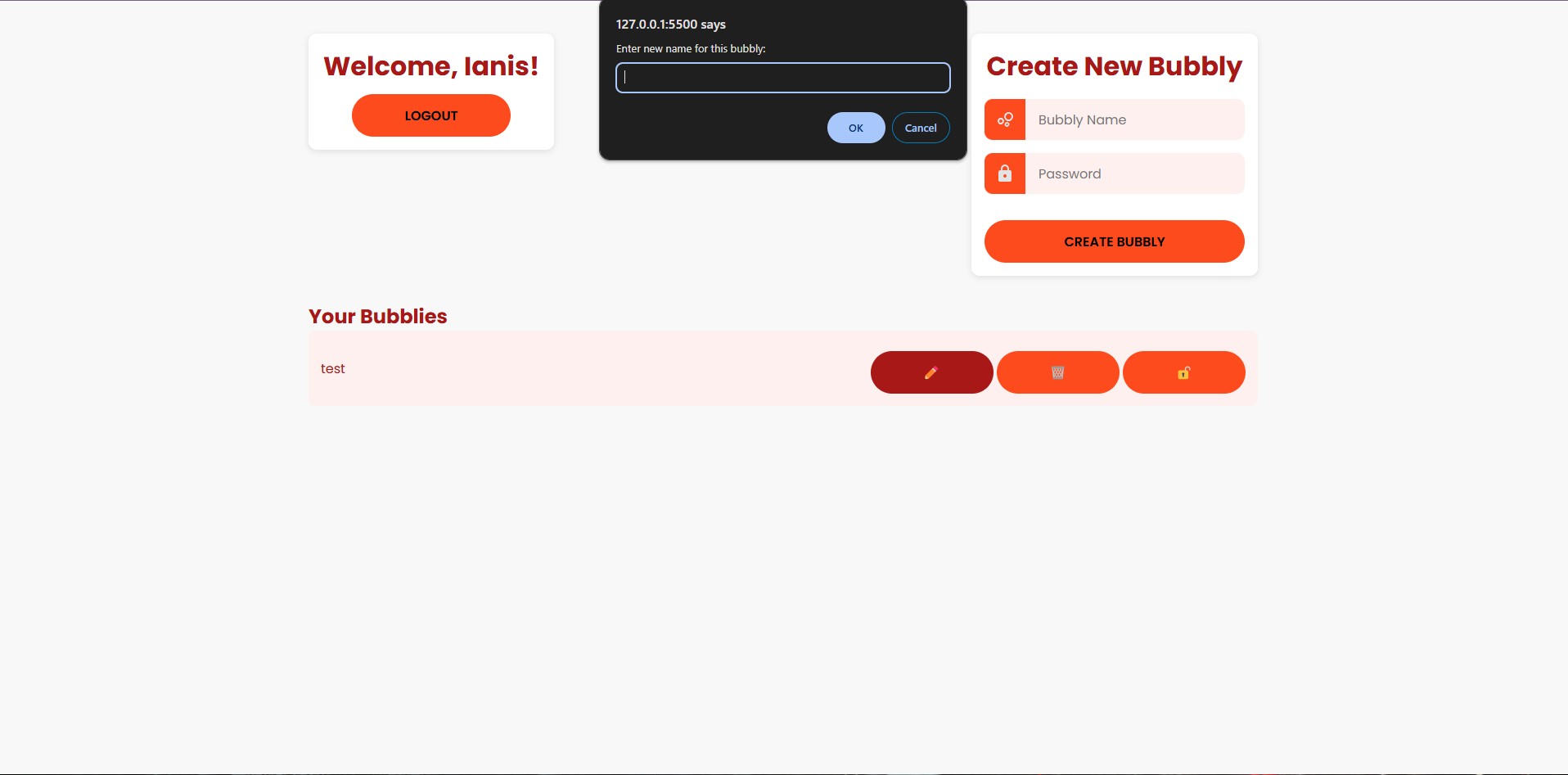
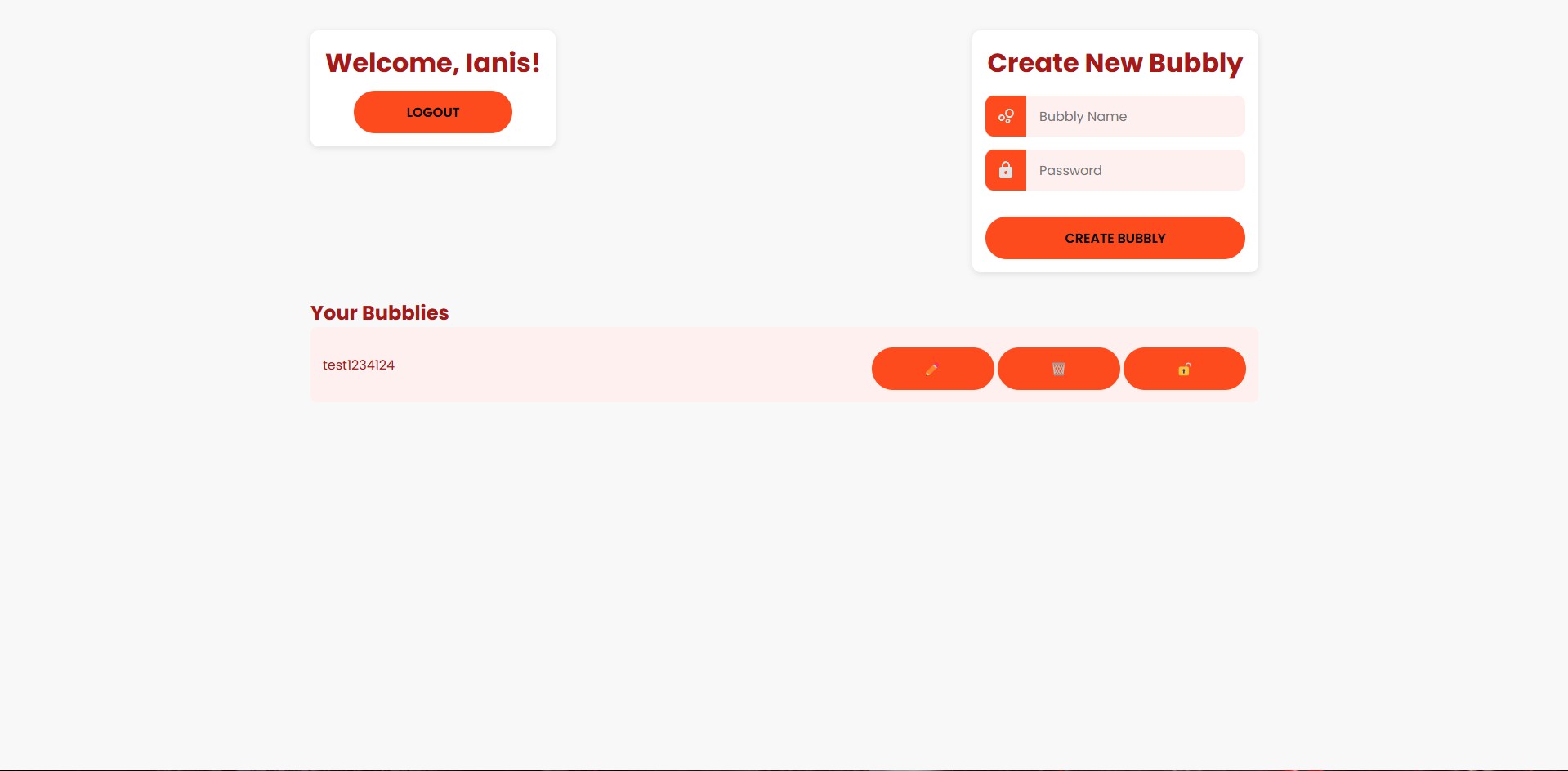
After logging in, users can create password-protected collections called Bubblies. Each Bubbly acts as its own private media folder where images and videos can later be uploaded. Users can also rename, delete or access existing Bubblies, with password verification required before viewing any stored media.
Media Management
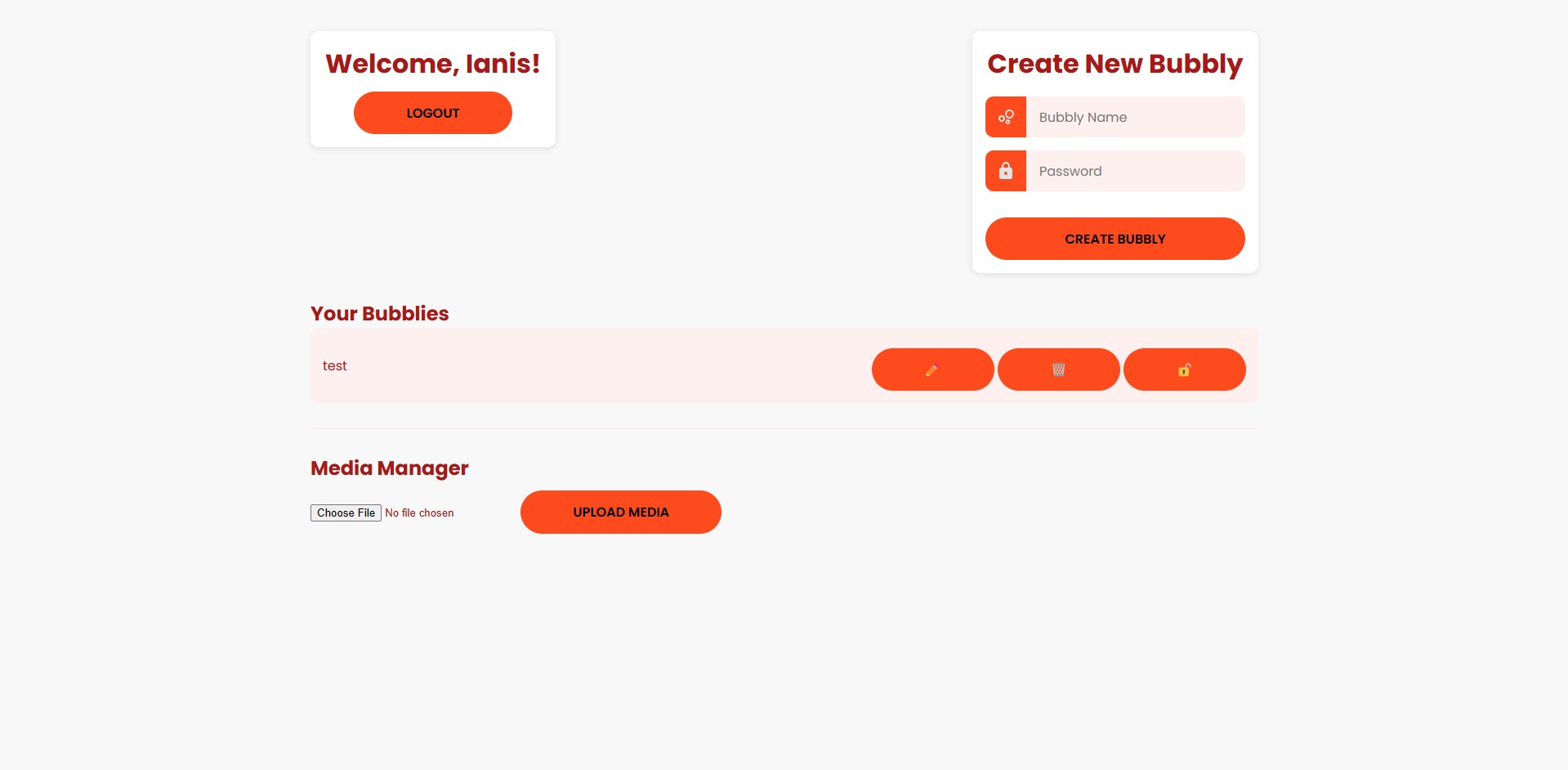
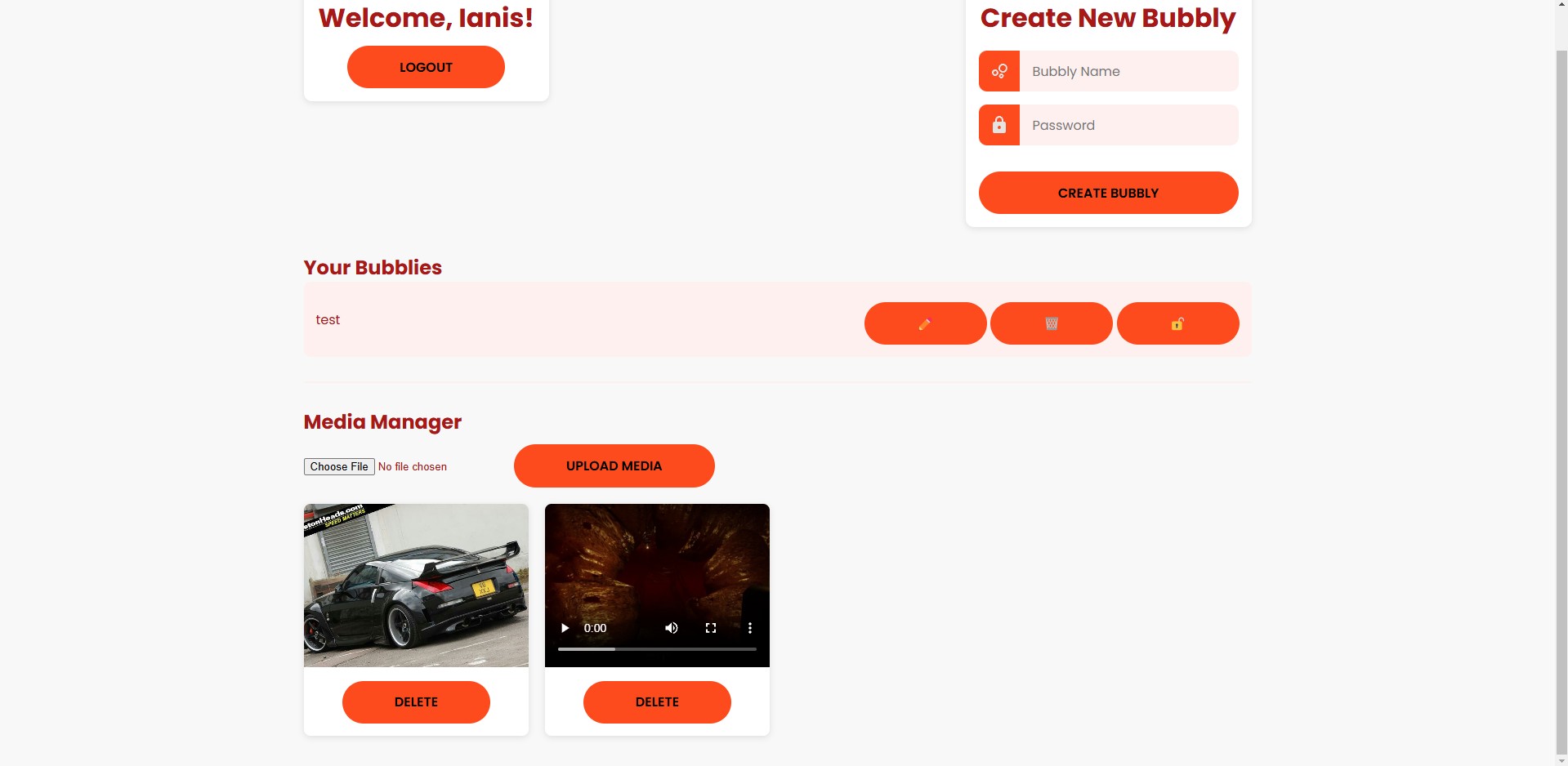
Once inside a Bubbly, users can upload images and videos through the web interface. Rather than storing the files directly inside the database, they're automatically saved to a shared storage location while the database stores information such as file paths, media types and ownership. This keeps the database lightweight while still allowing the website to retrieve files whenever they're needed.
Building the Backend
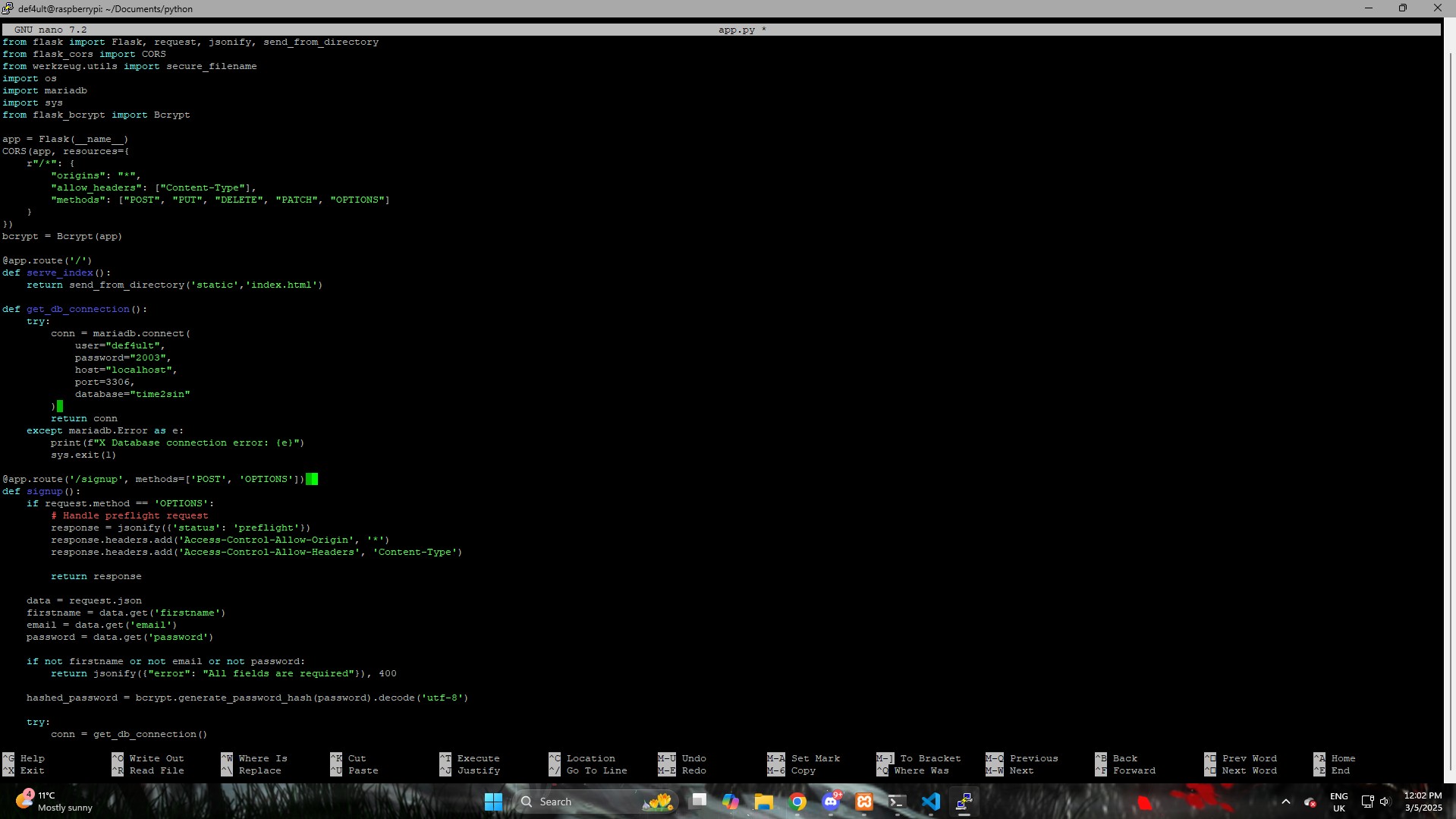
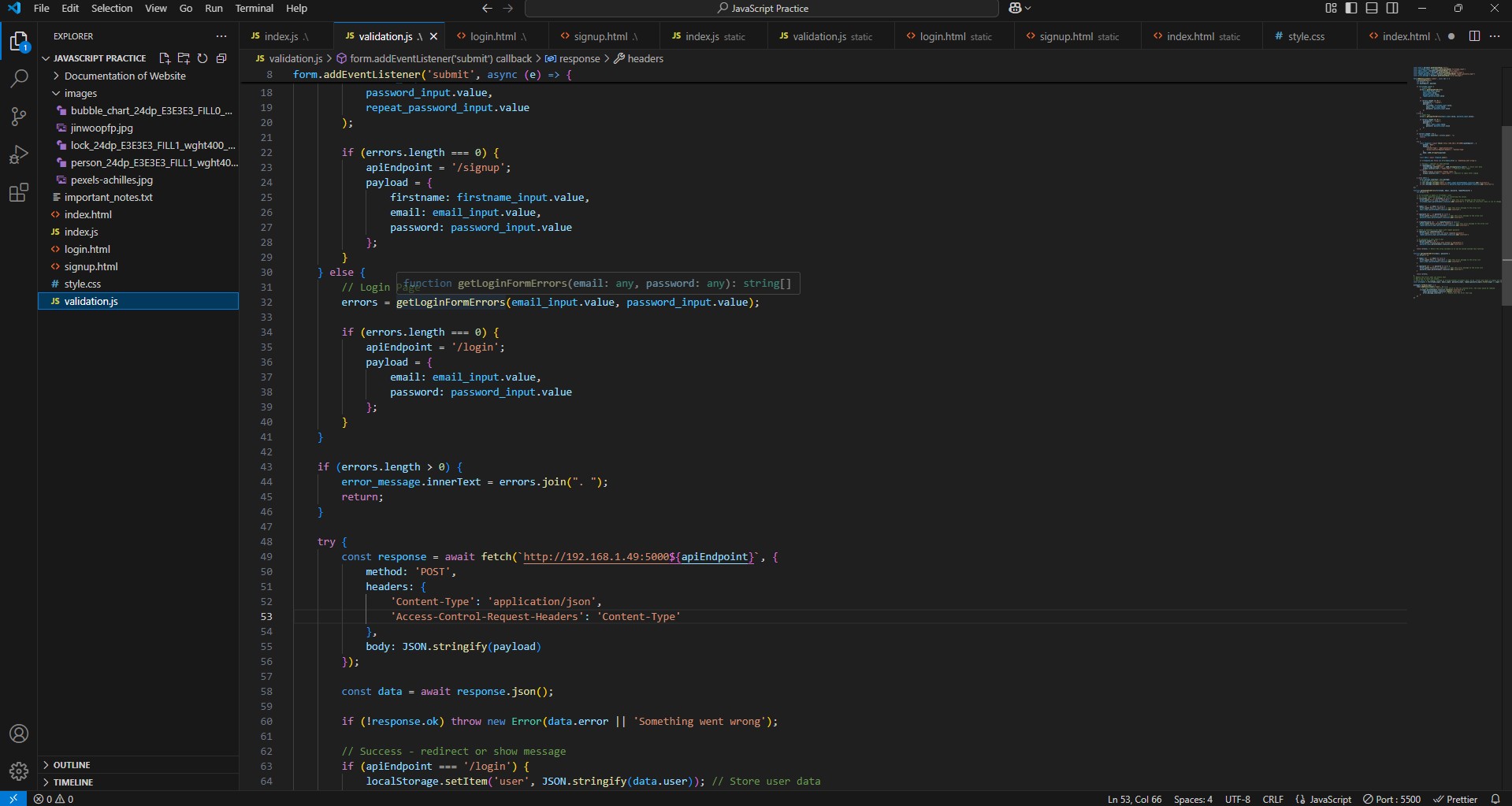
To power the application, I built a Flask backend running on the Raspberry Pi. The Flask application exposes API endpoints that handle user registration, login, Bubbly management and media uploads. The frontend communicates with these endpoints using JavaScript's Fetch API, allowing the website and database to exchange information without refreshing the page.
Self-Hosted Storage
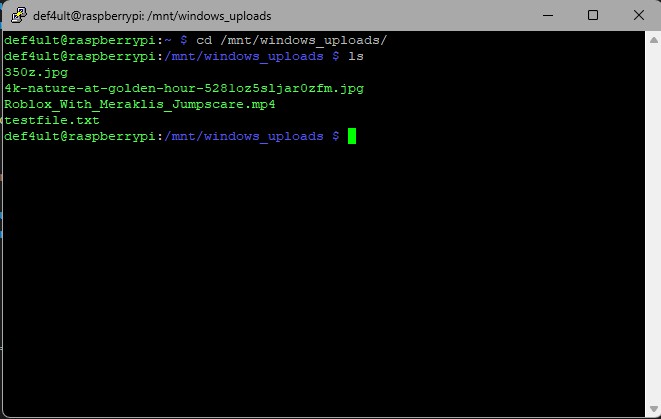
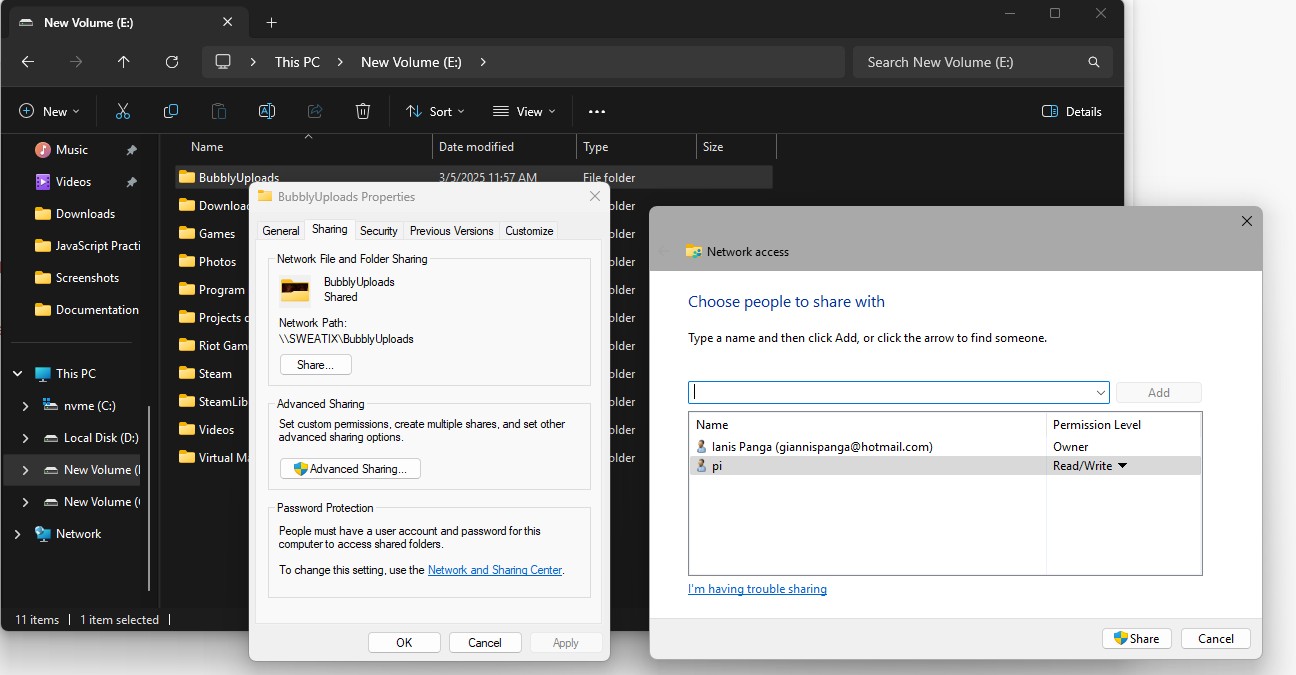
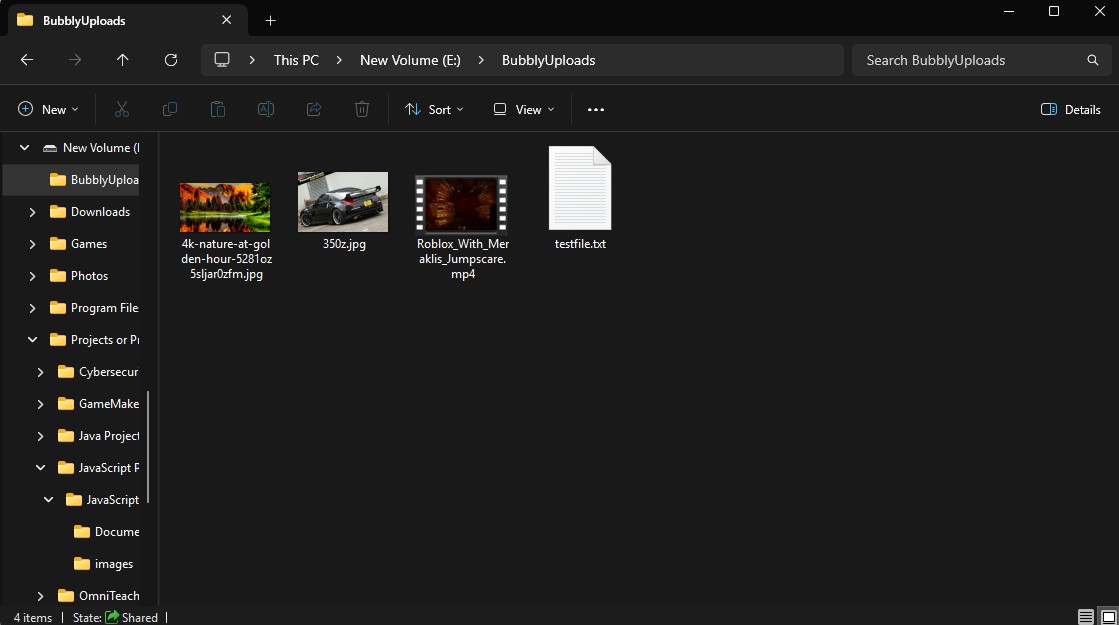
Instead of relying on services like AWS or Google Drive, I wanted to understand how local hosting works. I shared a folder from my Windows PC across my home network and mounted it on the Raspberry Pi, allowing uploaded files to be stored automatically while still being accessible through the website. Although it isn't designed as a production solution, it taught me how Linux mounting, network shares and file permissions work together.
Code Breakdown
Frontend Communication
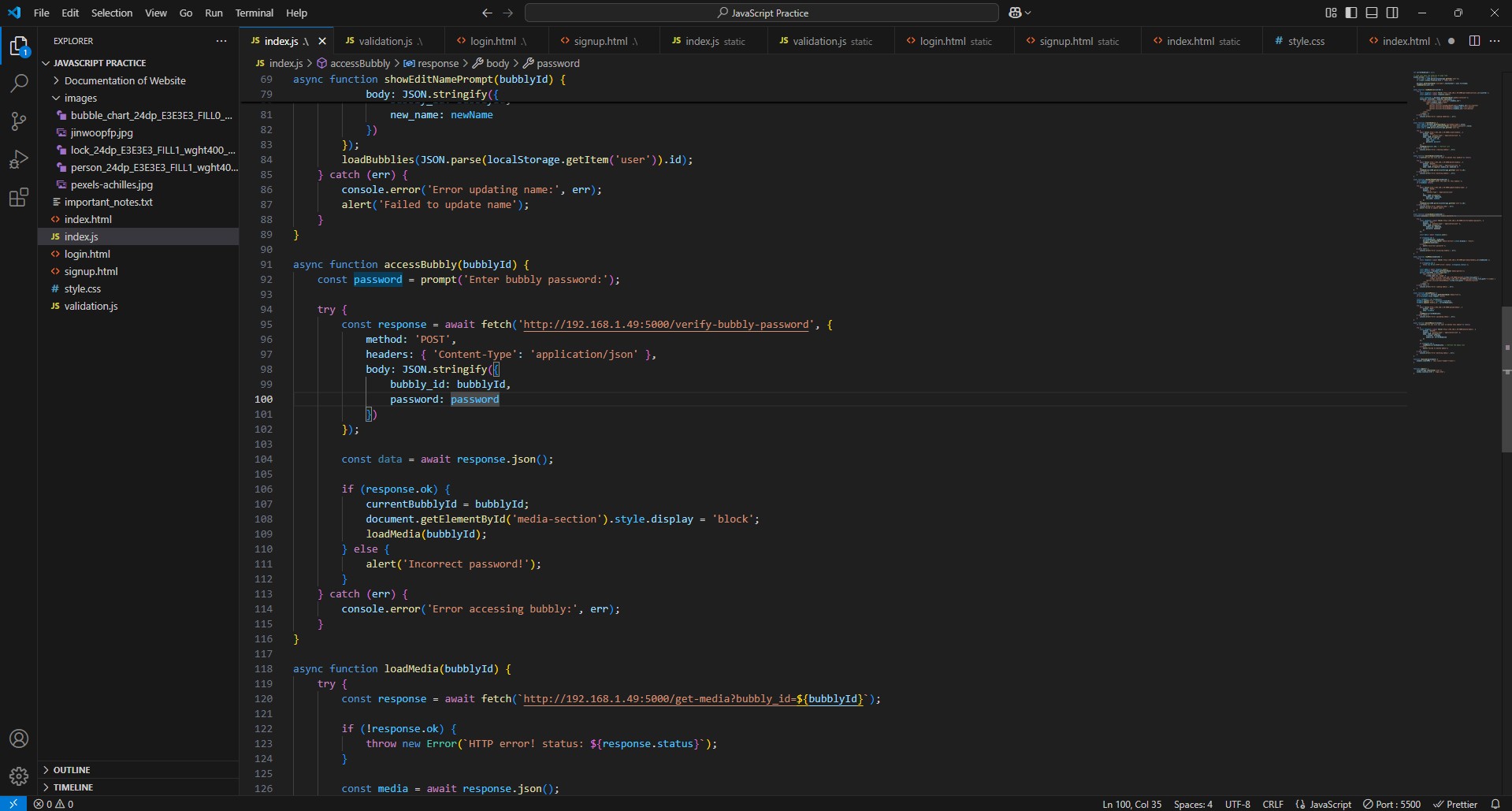
The frontend uses JavaScript to collect user input and send requests to the Flask backend. Each action—such as logging in, creating a Bubbly or uploading media—is handled through API requests, allowing the page to update dynamically without reloading
Flask API
The Flask application acts as the bridge between the website and MariaDB. Each endpoint receives requests from the frontend, validates the supplied data, performs database operations and returns a response back to the browser. This separated the frontend from the backend, making the project much easier to organise as it grew.
Database Design
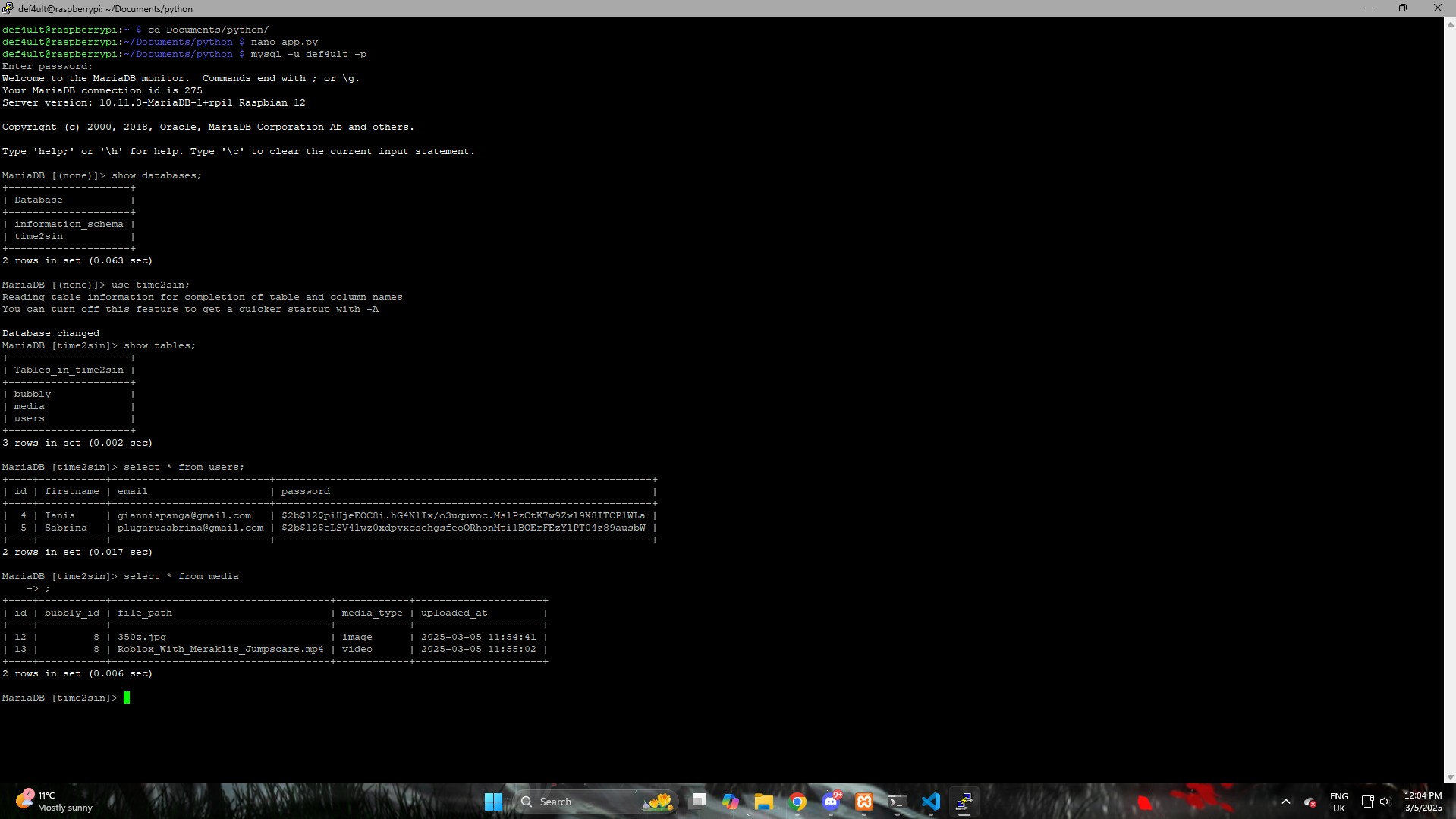
MariaDB stores all user accounts, Bubblies and uploaded media records. Relationships between tables allow uploaded files to be linked back to both the correct user and the correct Bubbly, ensuring users only access their own content.
File Storage
Uploaded media files are written to a mounted network folder rather than directly into the database. The application simply stores each file's location inside MariaDB, making it possible to quickly retrieve and display images or videos without unnecessarily increasing database size.
What I Learned
This project was one of the biggest learning experiences I've had because it combined so many different technologies into one application. Before building it, I'd only worked on frontend websites and small Python programs. This was the first time I had to think about how everything connects together frontend, backend, databases, APIs, Linux, networking and storage.
I learned how websites communicate with servers, how APIs pass information between the frontend and backend, how to structure a relational database, and how to host services on a Raspberry Pi instead of relying on cloud platforms. I also became much more comfortable working with Linux, SSH, Flask and MariaDB while troubleshooting problems across multiple systems. More than anything, this project taught me how all the individual skills I'd been learning fit together to build a complete working application.