Simple SQL Data Retrieval and Filtering
Practised basic SQL queries by retrieving and filtering information from a relational database. This project focuses on using SELECT statements to extract only the data required from a table.
Overview
This beginner SQL project was created to practise retrieving information from a relational database using basic SQL queries. The project demonstrates how to select specific columns from a table instead of returning unnecessary data, helping build a foundation in database querying.
Skills Demonstrated
- SQL querying
- Database navigation
- Data retrieval
- Column selection
- Working with relational databases
- MariaDB command-line usage
Tools Used
- MariaDB
- SQL
- Linux Terminal
Process
Retrieving All Records
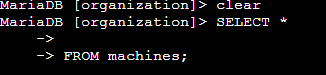
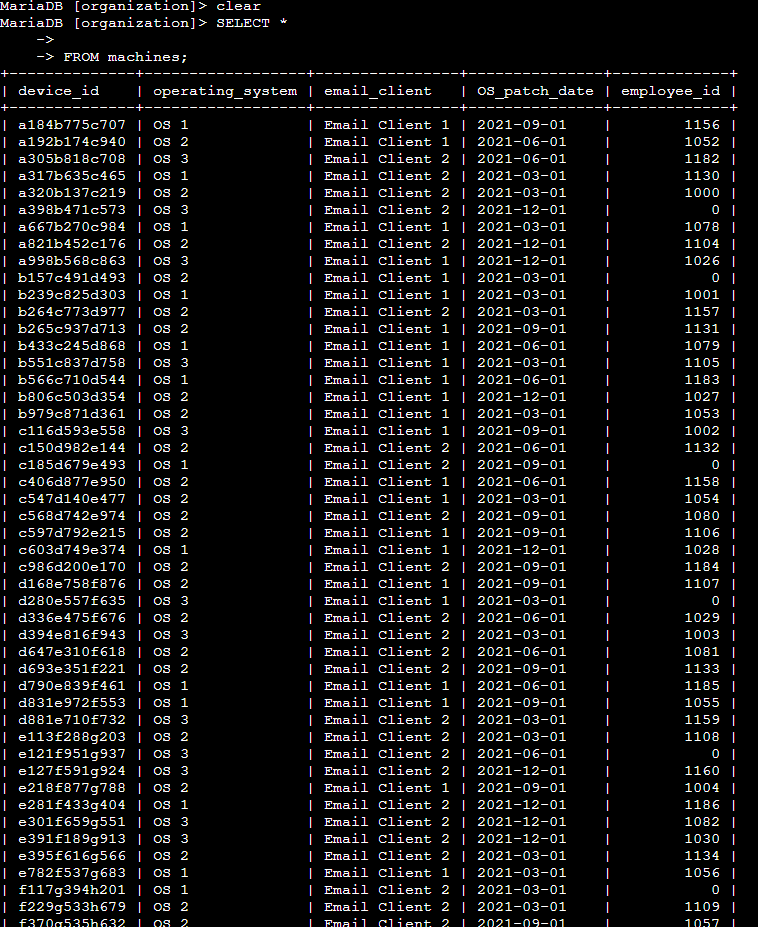
The project begins by retrieving every column from the machines table using SELECT *. This provides a complete overview of the available information before narrowing the results down.
Selecting Specific Columns
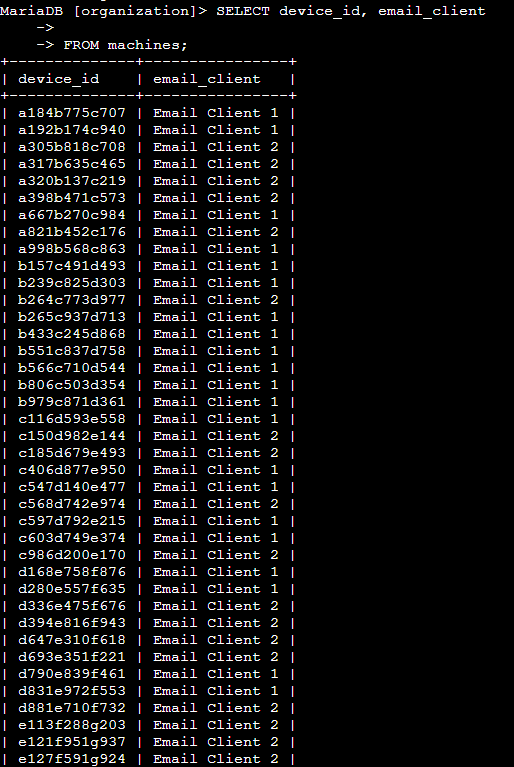
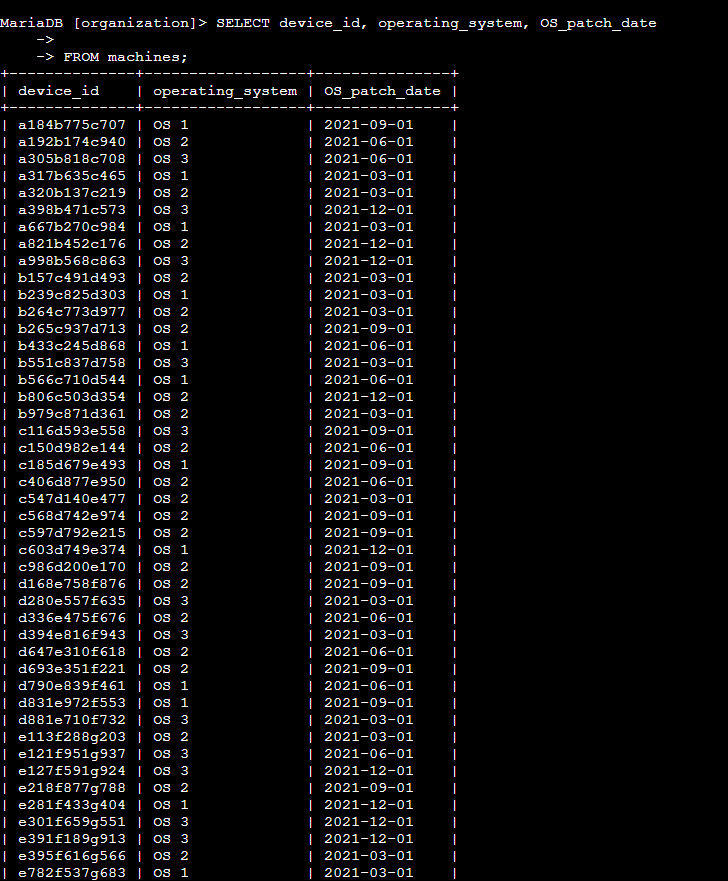
After reviewing the table, I used SELECT statements to retrieve only the information needed, such as employee email clients, operating systems, and operating system patch dates. This demonstrates how SQL queries can return only the relevant data instead of displaying an entire table.
Using SELECT Statements
The main focus of this project was learning how SELECT statements work. By specifying different column names, I was able to control exactly which information was returned from the database, making the results much cleaner and easier to work with.
What I Learned
This project introduced me to the fundamentals of SQL and relational databases. I learned how to retrieve data from tables, select only the columns I needed, and became more comfortable using MariaDB through the command line. Although simple, it provided a solid foundation for more advanced SQL concepts that I explored in later projects.